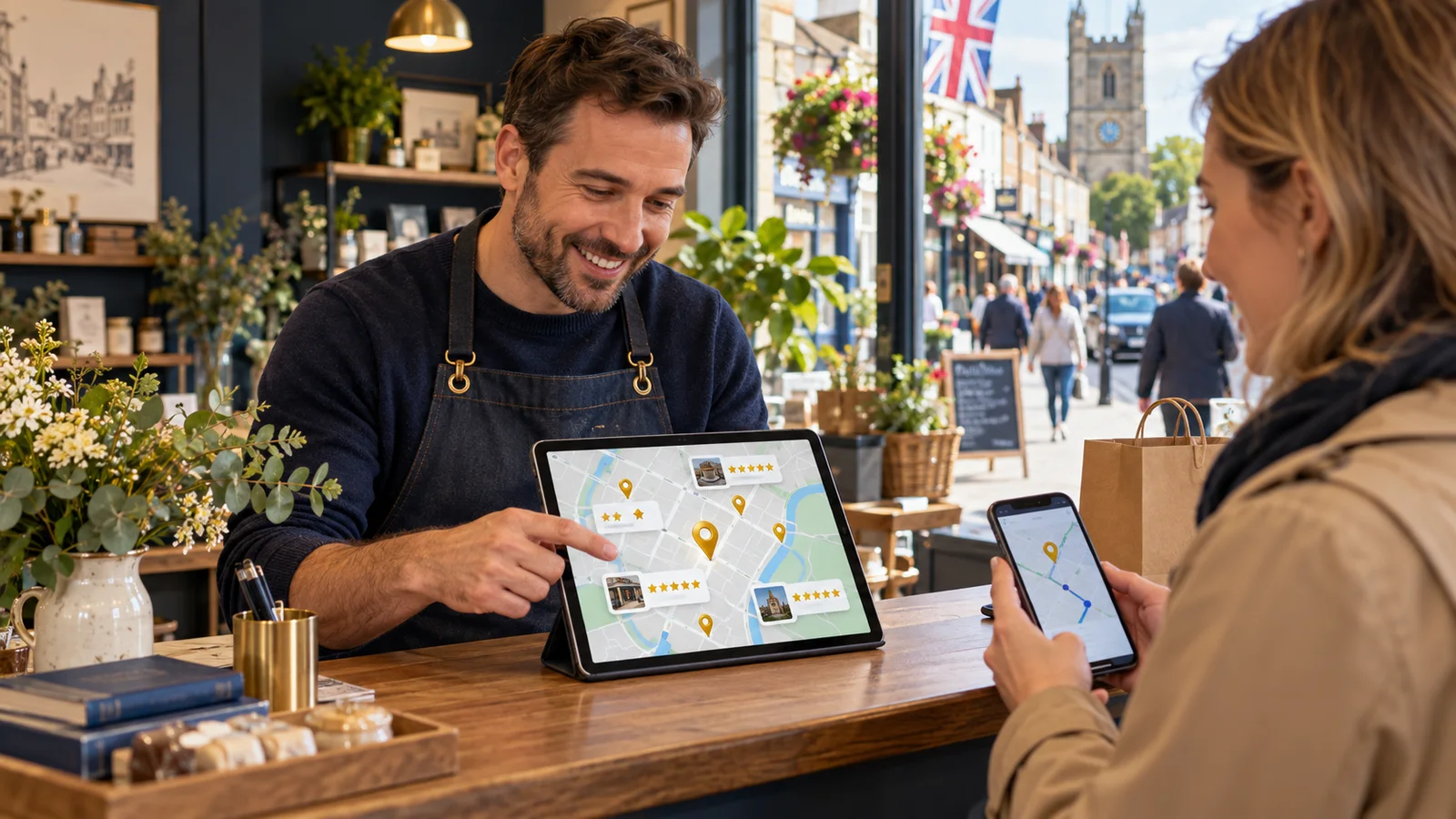
Reviews can support Google Maps visibility, but they are not a shortcut or a stand-alone ranking tactic. Their real value comes from helping an accurate Google Business Profile show useful, recent evidence when somebody searches locally. A strong approach connects profile quality, customer experience, fair review collection and a website that explains the service clearly. That combination makes the business easier to understand and easier to choose.
Start with the customer's local decision
A Maps user is usually trying to solve a practical problem: find a nearby provider, confirm that it offers the right service, check whether it is open and decide whether contacting it feels safe. Reviews help because customers describe real outcomes, locations and service details in their own words. They do not replace accurate categories, hours, contact information or a useful website.
Map the questions customers ask before calling. A plumber's audience may care about response area and punctuality; a restaurant guest may care about atmosphere and dietary needs. Build the profile and review journey around those decisions rather than chasing a generic volume target.
Make the Google Business Profile dependable
Use the business's real-world name, correct primary category, current address or service area, local phone number, opening hours and the most relevant website destination. Remove duplicate or obsolete listings and control who has access. Before collecting reviews, follow the steps in our guide to claim and verify a Google Business Profile.
Accuracy creates a stronger experience whether or not rankings change. Customers arrive at the right place, phone at the right time and understand what the business does. Review growth cannot compensate for a profile that sends people to an old address or describes a service no longer offered.
Use categories and services to explain relevance
The primary category should describe the business, not every possible search phrase. Add appropriate secondary categories only where they represent genuine services. Complete service or product information in plain language, and link to website pages that expand on the important offer. Google's Business Profile representation guidance is the right reference for naming and eligibility decisions.
A focused profile helps both customers and search systems understand relevance. Review language may reinforce that understanding naturally, but never coach customers to insert keywords or locations. Ask for an honest account; useful specificity should come from the experience itself.
Create a fair and repeatable review invitation
Invite all suitable customers at a consistent moment after enough of the service has been experienced. Keep the request neutral, make the review link easy to use and offer another way to provide private feedback. Do not ask only people who appear delighted, and do not use a questionnaire to divert unhappy customers away from the public option.
Consistency produces a more representative profile and reduces last-minute campaigns. A repeatable review-request process can use job completion, checkout or a follow-up milestone while preserving a human route for exceptions.
Make the service worthy of specific feedback
The most useful reviews often mention the parts of the experience that matter to future customers: clear advice, tidy work, a welcoming team, dependable timing or thoughtful recovery. The business cannot dictate those words, but it can design a service that makes them true. Brief teams on the promises shown in the profile and website, then check whether delivery matches them.
Specific evidence reduces uncertainty. It also shows which services and locations customers actually associate with the business. Treat that language as operational research, not a bag of keywords to copy mechanically.
Use responses to add reassurance
Replying shows that the profile is maintained and that customers can expect a human response. Thank reviewers without overclaiming, acknowledge useful details and protect personal information. For criticism, investigate before answering and move sensitive resolution into a private channel. Responses should help readers understand the business's standards, not repeat the town name or service phrase unnaturally.
A short, specific response is more credible than a long promotional message. Our guide to personal review replies at scale shows how to create consistency without sounding automated.
Connect the profile to a useful local website journey
The landing page should confirm the service, coverage, contact route and next step that the profile promised. Use relevant customer evidence near important decisions, clearly attributed and displayed in context. Avoid creating thin location pages that merely swap town names. Each page should help somebody decide whether the business can serve their need.
Fast mobile access matters because many Maps visits happen on a phone. Make telephone, directions, booking or enquiry actions obvious. When the profile and website agree, the customer spends less effort checking basic facts and can move towards contact with more confidence.
Maintain freshness beyond review volume
Update special hours, temporary closures, services, photographs and contact information as the business changes. Review questions and messages can expose information gaps. If several customers ask about parking, access or coverage, add the answer to the appropriate profile or page instead of expecting reviews to carry essential information.
Fresh reviews are helpful when they arise from an ongoing process, but freshness should never mean pressuring customers. A steady, fair invitation is more sustainable than a burst created solely to influence visibility.
Measure actions that can lead to business value
Track calls, website visits, direction requests and suitable enquiries alongside review recency, response coverage and recurring themes. Where possible, compare those actions with booking quality or completed work. Rankings vary by the searcher's location and query, so a single manual position check is a poor measure of progress.
Use a consistent reporting period and annotate significant changes such as new hours, a category correction or a seasonal campaign. The goal is not merely to appear in a map. It is to help the right local customer find accurate information and take a confident next step.
Protect the profile from risky shortcuts
Never buy reviews, create them for customers, offer rewards tied to positive sentiment or ask staff to post as customers. Do not stuff the business name with locations or services that are not part of the real name. These tactics weaken evidence quality and may breach platform rules or consumer-protection law.
Use Google's official review guidance and the UK's rules on transparent consumer reviews as the operating boundary. Sustainable Maps performance is built from relevance, accurate information, genuine prominence and a service customers choose to recommend.